An AI note taker for phone calls has to be on the phone line itself. Meeting note takers such as Otter and Fireflies are built around Zoom, Google Meet and Teams. Recording the call yourself and pasting the text into ChatGPT works at a table, but an iPhone in the EU cannot record a phone call. Ajora joins the call as a participant and has a summary with action items and decisions ready a few minutes after you hang up.
Is there an AI note taker for phone calls?
Yes, but it is usually not the one from your video meetings. The well-known AI note takers join a Zoom, Google Meet or Teams meeting. A call on a normal phone line needs a service that joins the line itself.
AI notes take two steps. First the conversation is captured and transcribed. Then a language model summarises the transcript. Any language model can do the second step, from ChatGPT to Copilot. The first step decides whether it works in practice.
In a video meeting the capturing is taken care of, because the note taker is one more attendee. On a phone call nothing listens along by itself, and that is what the rest of this article is about.
What should an AI summary of a phone call contain?
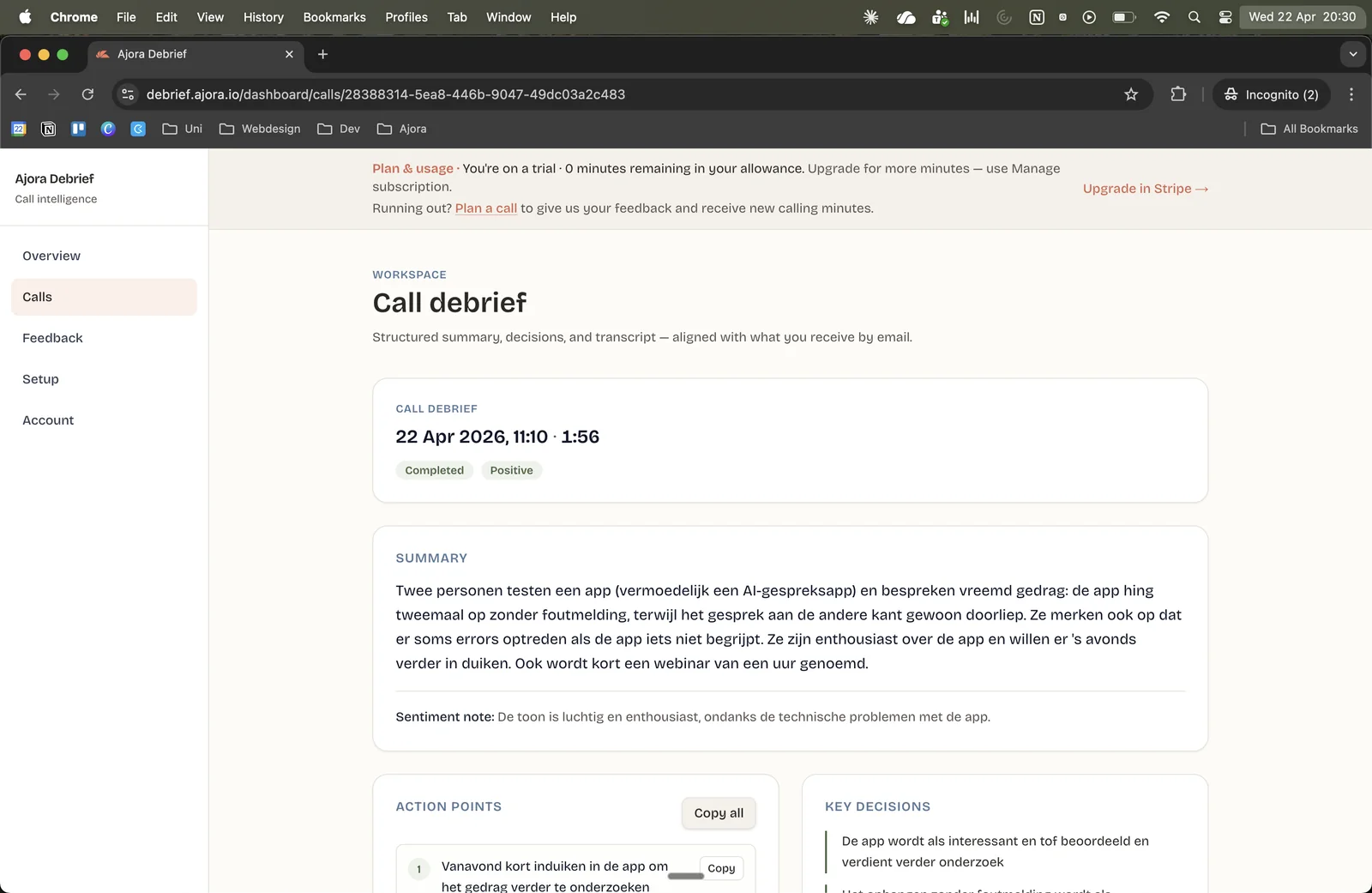
What was agreed and who does what, with a short summary of what was discussed. Good notes are much shorter than the call, so you can read them back in half a minute weeks later.
A short summary
A few sentences on what the call was about, so a colleague who was not on it can follow.
The action items
As separate points, with who picks each one up. This is the part you need the next morning.
The decisions
What was agreed on price, planning or next steps. Kept apart from the action items, because a decision is not a task.
The transcript behind it
A summary can miss something. With the literal text underneath, you can check what the customer said.
How do you get AI notes from a phone call?
There are three routes: record the call yourself and paste the text into ChatGPT or Copilot, use an AI note taker for online meetings, or use a service that joins the phone line. Which one works depends on where the conversation takes place.
| Route | Suits | What you do yourself | Where it stalls |
|---|---|---|---|
| Record it yourself and paste it into ChatGPT or Copilot | A conversation at a table, or the occasional single call. | Record, have it transcribed, paste the text and ask for a summary. | On phone calls. An iPhone in the EU does not record a phone call. |
| AI note taker for online meetings | Meetings in Zoom, Google Meet or Microsoft Teams. | Invite the note taker or connect it to your calendar. | A call to your mobile number has no meeting link. |
| A service that joins the call, such as Ajora | Phone calls on your mobile, outgoing and incoming. | Dial from the app and switch on call forwarding once. | You get text and no audio file. Ajora does not do video meetings. |
Record it yourself and paste it into ChatGPT or Copilot
You can take this route today. You record the conversation, turn the recording into text and paste that text into ChatGPT or Copilot with a request for a call summary. What is good about it: you probably have the tools already, and your prompt decides what the notes look like. For a conversation at a table it works well, because the voice recorder on your phone picks up both sides.
On phone calls it stalls at the first step. Apple lists the European Union among the places where call recording on iPhone is not available, so an iPhone in the Netherlands has no record button in the Phone app. A voice recorder app does not help either: iOS gives apps no access to the audio of a call in progress, so you hear yourself and little or nothing of the other person. The details are in recording a phone call on your iPhone. On Android it depends on brand and model.
When recording does work, every call still takes four actions: record, export, transcribe and paste. For a single call that is fine. With ten calls in a day it does not happen. How the transcribing step works is in transcribing a phone call.
An AI note taker for online meetings
Otter and Fireflies are well-known names here. They capture meetings in Zoom, Google Meet and Microsoft Teams and turn them into notes. Copilot does the same inside Teams. If most of your conversations are online meetings, one of these will serve you better than Ajora. Ajora does not do video meetings.
Phone calls are a different matter. A call to your mobile number has no meeting link for a note taker to join. There are exceptions. Fireflies connects to calling platforms such as Aircall and RingCentral, and Copilot works on calls that run through Teams Phone. You then have to make your calls through that platform. Granola has a phone call feature in its iPhone app, where you dial out from the Granola app. According to its own documentation that feature does not support incoming calls or Android.
A service that joins the phone line
A service that joins the call is one more participant in it. Your phone does not have to record anything, so it works the same way on iPhone and Android. This is how Ajora works. After you hang up there is nothing to export or paste. The trade-off is that you get text and no audio file.
How does an AI note taker work on a normal phone line?
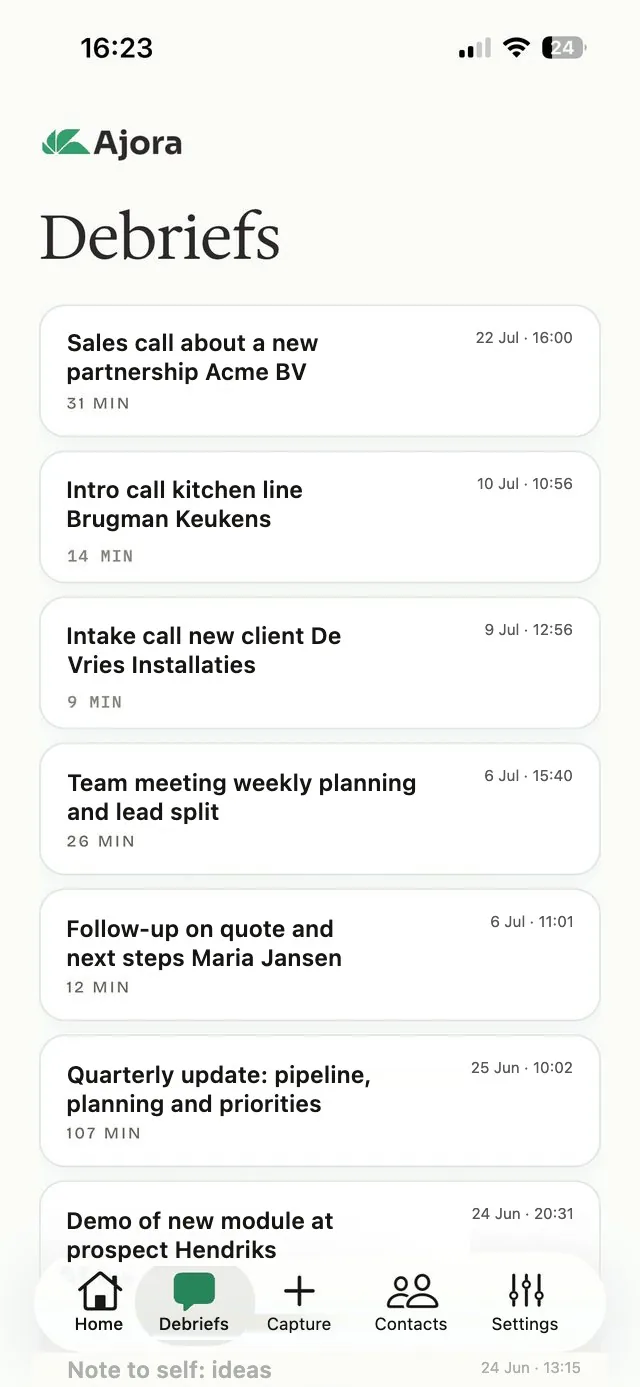
By joining the call. Ajora sits on the line as a participant, transcribes the call and has a debrief ready a few minutes after you hang up, with the summary, the action items and the decisions.
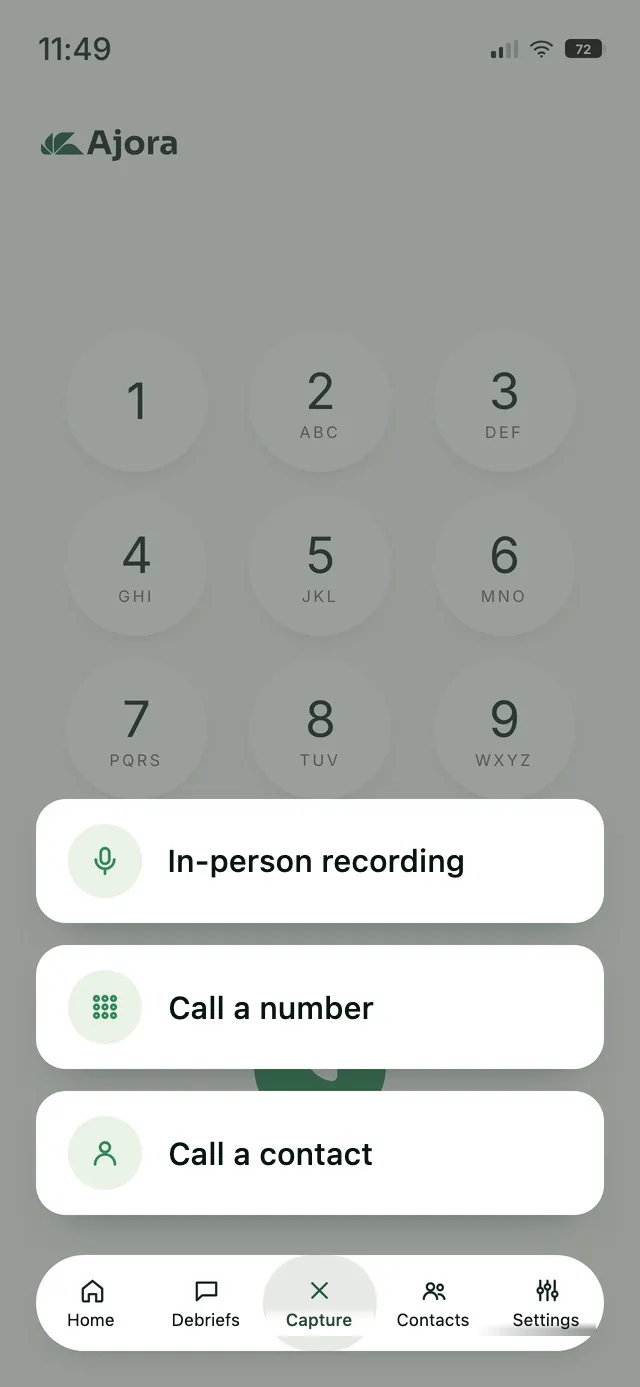
For outgoing calls you dial your customer from the Ajora app, the way you would otherwise use the phone app on your handset. For incoming calls you switch on call forwarding once, with a button in the app. There is nothing to do during the call, so you no longer have to take notes while you talk.
The debrief is then in the app and in the dashboard, with the summary, the action items, the decisions and the full transcript. The audio is deleted once the call has been transcribed. So you read a call back, you do not listen to it again.
Ajora joins over the internet, so you need wifi or mobile data during the call.
The notes do not have to stay in Ajora. If you work with Apollo, a ready-made integration logs the summary as a call note on the right contact. For any other CRM, Ajora sends the summary, the action items and the decisions on through the API and webhooks, for example with Zapier or Make in between. The integrations are part of every paid plan. They are not available during the free trial.
Is it legal to use an AI note taker on a phone call?
In the Netherlands you may record a call you take part in yourself. For business use you have to tell the other person that the call is being transcribed.
Ajora plays no beep or announcement, so you say it yourself at the start of the call. Rules differ per country; the full explanation for the Netherlands, with sources, is in is it legal to record a phone call.
Frequently asked questions about AI note takers for phone calls
Can Copilot take notes on a phone call?
Only if the call runs through Microsoft Teams. According to Microsoft, Copilot in Teams Phone supports VoIP calls and calls over the public phone network. For the latter you need a Teams Phone licence and a calling plan on top of a Copilot licence. If you call with the phone app on your mobile, the call does not run through Teams. You can still paste a transcript into Copilot afterwards and ask for a summary.
Can ChatGPT summarise a phone call?
Yes, if you supply the text of the call. Paste the transcript and ask for a summary with action items. On this route you arrange the recording and transcribing yourself. If you use Ajora, the MCP connection lets ChatGPT or Claude answer questions about your own calls.
Is there an AI note taker for iPhone calls?
Yes: one that joins the call instead of recording on the handset. Ajora does that on iPhone and Android. You dial out from the app, and incoming calls arrive through call forwarding. The recorder built into iOS is not available in the European Union, according to Apple.
What is the best AI note taker for cell phone calls?
It depends on where the call runs. If your team calls through Teams Phone or a calling platform, the note taker that connects to that platform is the obvious choice. If you call from your mobile number, you need a service that joins the phone line, which is what Ajora is built for. For meetings in Zoom, Google Meet or Teams, pick a note taker made for meetings.
Is there a phone call summary app that works automatically?
Yes. With call forwarding switched on, Ajora joins your incoming calls, and you dial out from the app. The summary with action items is there afterwards without you uploading or pasting anything.
How fast is the call summary ready?
The debrief is ready a few minutes after you hang up, in the app and in the dashboard.
Does Ajora keep the recording of the call?
No. The audio is deleted once the call has been transcribed. You keep the transcript, the summary and the action items, stored encrypted on servers in Germany.
What does Ajora cost as an AI note taker for phone calls?
Ajora costs €19 a month, or €15 a month on a yearly plan, with 600 call minutes a month. You can try it free for 7 days with 60 call minutes first, with no payment details. After your first payment you have a 14-day money-back guarantee.
Want to try it on your own calls? Create an account, install the app and call a customer. Questions? Email [email protected].
Sources
- Record and transcribe a call on iPhone, with the countries where it is not availableApple Support, accessed 08-10-2026
- Otter: the meeting agent that joins Zoom, Microsoft Teams and Google Meet meetingsotter.ai, accessed 08-10-2026
- Fireflies: integrations with video meetings and with dialers such as Aircall and RingCentralfireflies.ai, accessed 08-10-2026
- Manage Microsoft Copilot in Teams calls: call types and required licencesMicrosoft Learn, accessed 08-10-2026
- Get started with Microsoft Copilot in Teams PhoneMicrosoft Support, accessed 08-10-2026
- Phone calls in Granola for iOS: outgoing only, no incoming calls, not on AndroidGranola Docs, accessed 08-10-2026
- Article 139c Dutch Criminal Code: intercepting or recording telecommunicationswetten.overheid.nl (Dutch)
- Article 13 GDPR: information to be provided when data are collectedFull GDPR text, privacy-regulation.eu

One of the three co-founders of Ajora. Jort focuses on user experience and growth.