New: try Ajora free for 7 days · API, webhooks and MCP on paid plansNew: try Ajora free for 7 days
For sales teams

Your phone calls, recorded automatically and logged in your CRM.

You call through the Ajora app the way you always do. The moment you hang up, the summary and action items are on the right contact in your CRM as a call note. You dial the next one, the typing is already done.

No card needed

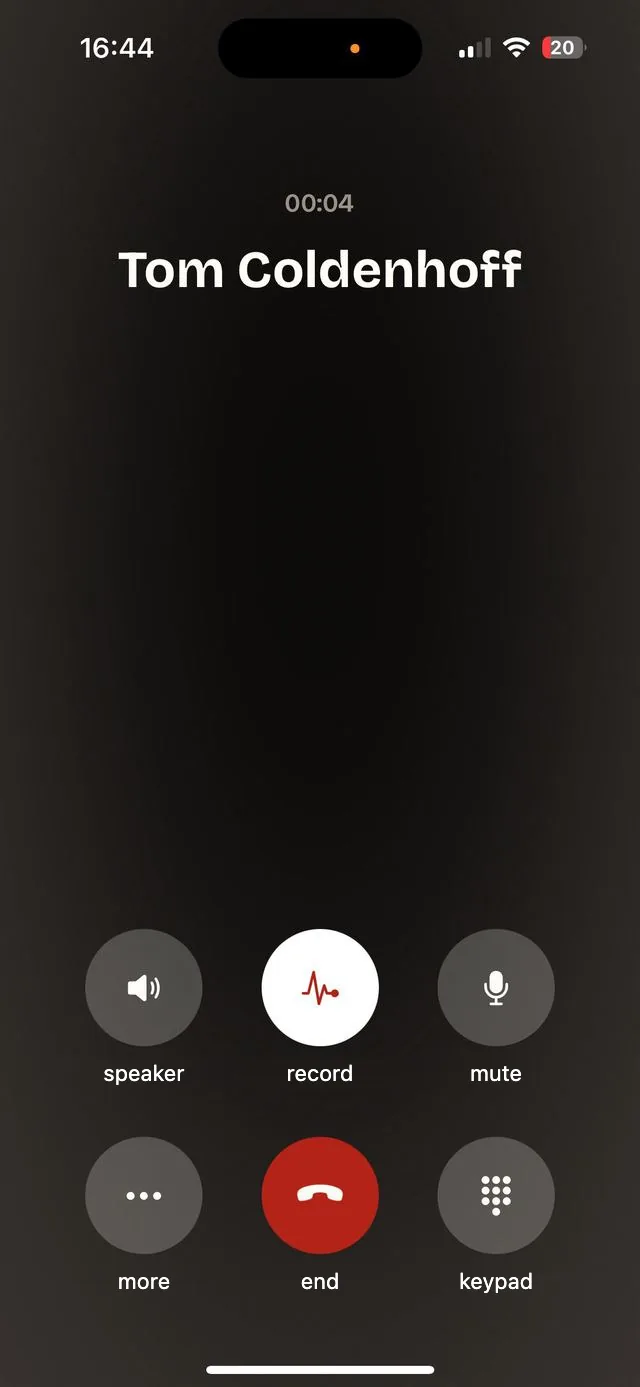
A call in progress in the Ajora app with the recording runningAjora joins the call

Sanne de Vries

Head of Sales · Acme Ltd

Deal
Acme Ltd, expanding to 15
Stage
Quote

Activity

Call note via Ajorajust now

12 minutes · outgoing

Sanne wants to grow the team from 6 to 15 users and asks for a quote. Price: € 4,800 per year. The decision is due before 24 October.

Action items

  • Send a quote for 15 users
  • Schedule a demo next week
  • Check the CRM integration with Tom
Email sent3 days ago
Contact createdlast week
An example. What the note looks like depends on your CRM.
  • 5,436conversations recorded
  • 35,334minutes of conversation
  • EUGDPR compliant and stored encrypted

The problem

Twenty calls later, your CRM is out of date.

Everyone knows the CRM has to be updated. After a calling block it still ends up as three words, or nothing at all.

Typing after every call

Five minutes of notes per call, twenty calls a day. That is well over an hour and a half of admin that in practice never happens.

Details slip away

The price the customer mentioned, who else signs off, when the budget frees up. Exactly what a deal turns on, and exactly what you remember slightly wrong.

A pipeline built on gut feeling

When a contact says "call back, interested", nobody knows a week later what that meant. Not even you.

You never hear what the customer actually said

After a call, your rep tells you how it went. Why the customer hesitated or what was said about price, you never hear. That makes it hard to help close the deal.

What lands in your CRM

A call note you did not have to type.

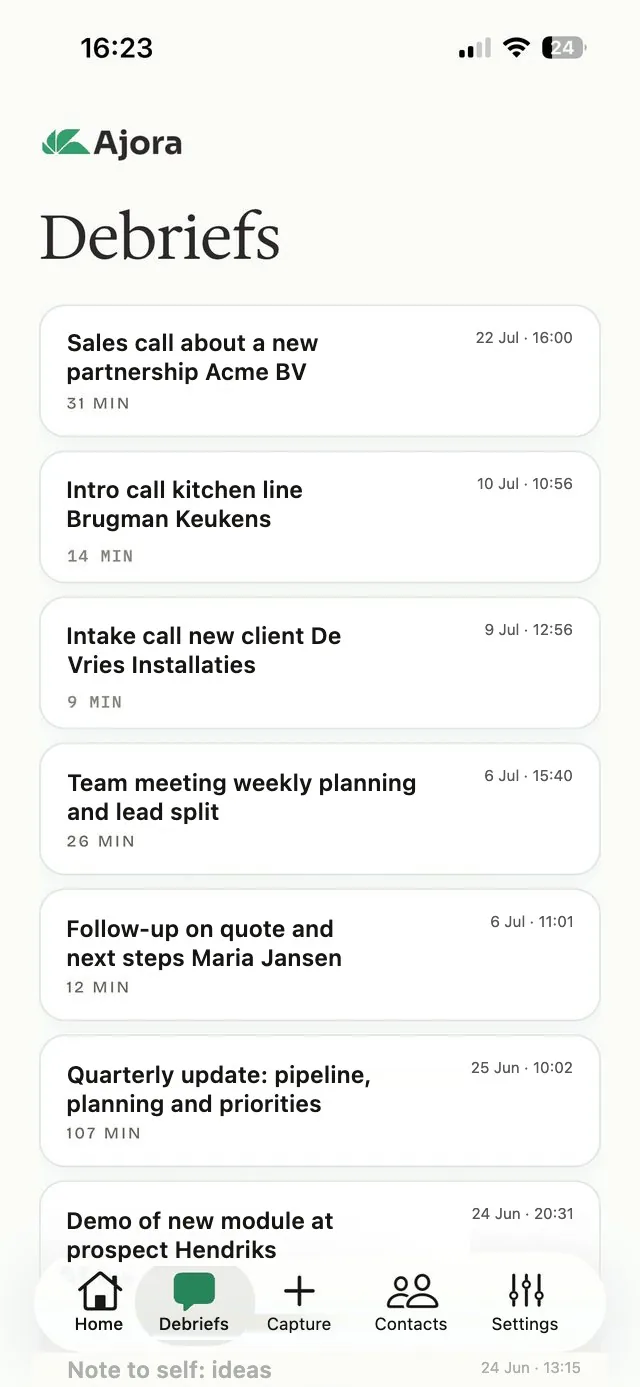
The list of debriefs in the Ajora app
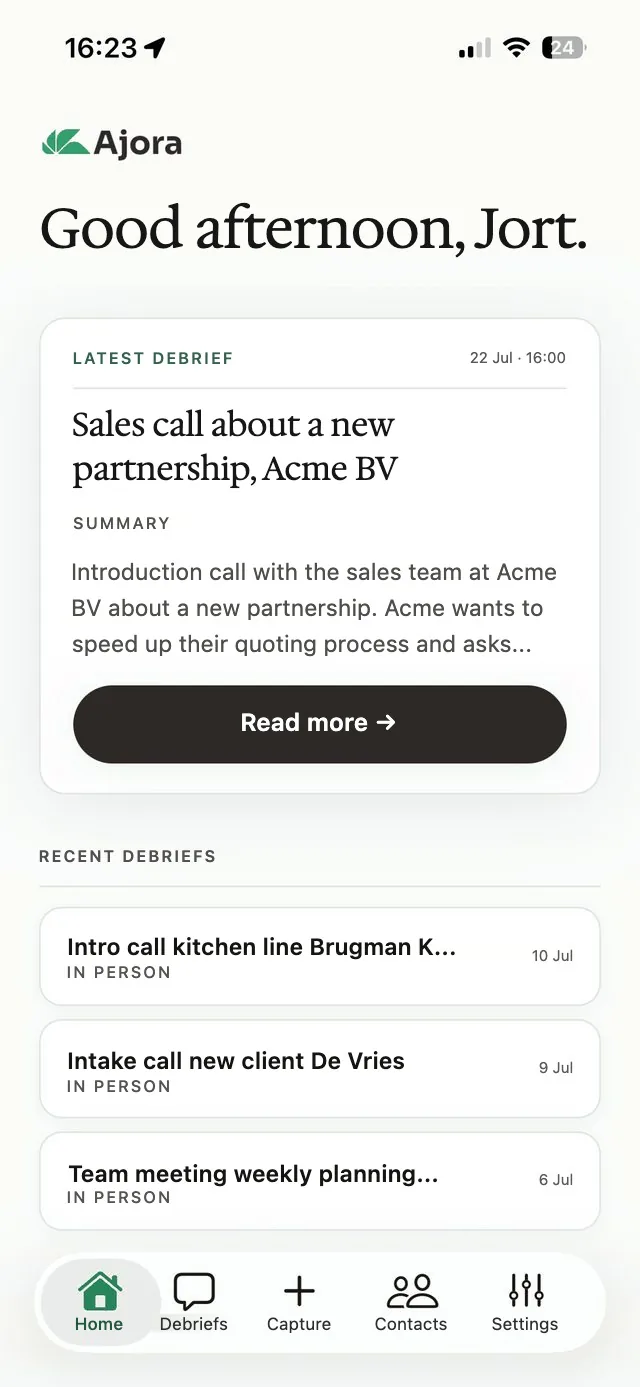
The Ajora app home screen with the latest debrief
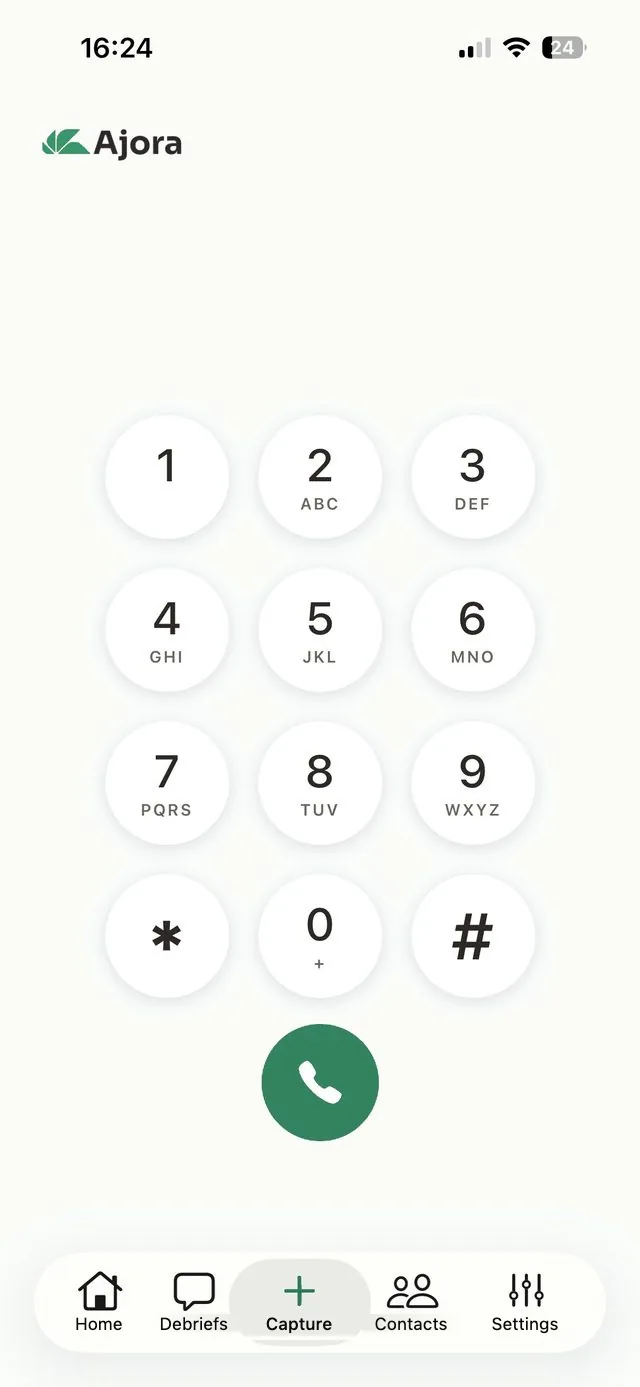
The call screen in the Ajora app
  • Summary

    What was discussed, in a few sentences. Written to be read in thirty seconds, also by a colleague who was not on the call.

  • Action items

    The next steps mentioned in the call, with who does what. Ready to copy over as a task.

  • Decisions

    What was agreed on price, seats and timing. In black and white, for when someone remembers it differently later.

  • On the right contact

    Ajora finds the contact by phone number. Without a clear match it asks you to choose, it never guesses.

  • Outgoing and incoming

    When you call, it runs through the app. When you are called, it runs through your call forwarding. You do not have to do anything during the call.

Integrations

Your call note lands where your team already works.

Apollo connects in one click. For HubSpot, Pipedrive, Salesforce and any other CRM, Ajora sends the debrief to a webhook, with Zapier or Make in between if you would rather not write code.

Missing a ready-made integration?

HubSpot, Pipedrive and Salesforce work today through Zapier or Make. If you want it without the extra step, request the integration. Once enough requests for a CRM come in, we build it. So leave your email address: then we can let you know when it is ready, or call you about how your team uses the CRM.

Ready-made

Apollo

The summary as a call note on the right Apollo contact, matched by phone number. One click per call, or automatic when the contact matches exactly.

Via Zapier or Make

HubSpot

The summary, action items and decisions as a note on the contact or the deal. Including the calls you make from your mobile.

Via Zapier or Make

Pipedrive

A note or activity on the person or the deal, as soon as the debrief is ready.

Via Zapier or Make

Salesforce

The debrief as an activity on the contact, the lead or the opportunity.

Via a webhook

Slack

A message in your team channel after every call, so everyone can follow along without asking how it went.

MCP

Claude and ChatGPT

Ask "what did I agree with Acme this week?" and the AI looks it up in your own calls. Or ask for feedback on your last sales call.

Don't see your system here?

Working with a different CRM, ATS or DMS? Tell us which one and we will work out together how your calls get into it. Often that already works today, through the API or webhooks.

The API and webhooks are included in every paid plan at no extra cost. They are not available during the 7-day free trial.

For the sales lead

You see what was said, not what gets retold.

Share debriefs across the team

On a Teams plan you share debriefs within the team. When a colleague takes over an account, they catch up on what is going on in a minute.

Feedback on the actual call

Read back what the customer asked and how your rep answered. You see where a deal gets stuck and can give specific feedback, without listening in yourself.

A CRM you can trust

Every call note comes from the call itself. Your forecast and pipeline review run on what the customer said, not on what someone made of it that evening.

Teams from 3 users, €22 per user per month billed yearly. See pricing

Frequently asked questions

What sales teams ask us.

Read more about recording sales calls

Yes, through webhooks. Right now Apollo is the only ready-made integration. For other CRMs, Ajora sends the title, summary, action items and decisions to a webhook as soon as the debrief is ready. With Zapier or Make you put them in the right field of your CRM without writing code.

No. Ajora records the call to write it out, then deletes the recording automatically, within 24 hours at the latest. What stays is the text: summary, action items, decisions and the full transcript, stored encrypted in Germany. So there is no archive of your customers' audio anywhere.

Yes. Outgoing calls go through the Ajora app, incoming calls run through your call forwarding to your Ajora number. You switch that on with a button in the app. Either way, you do not have to do anything during the call.

Yes. In the Netherlands you may record a call you take part in, but for business use the GDPR applies. Ajora plays no beep or announcement, so say it yourself at the start of the call and ask if that is okay.

The Teams plan costs €22 per user per month billed yearly, or €28 monthly. It starts at 3 users and includes shared call minutes, sharing debriefs within the team, and admin and billing in one place. You can try it first for 7 days with 60 call minutes, no payment details needed.

Ready to upgrade your phone calls?

Create your account and try free for 7 days

On iPhone you create your account and arrange your subscription inside the app. On Android you do that here on the site and then log in to the app with the same details.