Blog
Everything about recording and transcribing phone calls
Practical articles about getting more out of your (phone) calls.
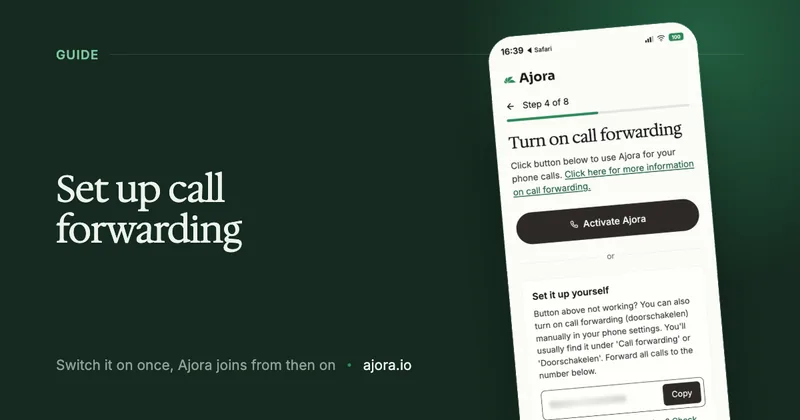
Set up call forwarding: Ajora joins your calls automatically
With call forwarding you no longer have to add Ajora to every call by hand. You set it up once and from then on Ajora joins automatically as soon as you call. Call forwarding only works if you have the Ajora app: that is where you switch it on and where you find your Ajora number. This guide explains how to set it up: easiest through the app, and if that does not work, through your phone settings.
15 July 2026 · 4 min read
Pocket AI review (heypocket): what the recorder does, and what it costs
Pocket is an AI voice recorder from heypocket: a pocket recorder that snaps onto the back of your phone and turns your conversations into summaries. This heypocket review covers what it does, what it costs in the US and European stores, what reviewers and users report, and how it handles phone calls. We have not used Pocket ourselves, so everything here comes from public sources, each with its date.
Ajora vs Wave: a Wave alternative for your phone calls
Wave is an AI note taker that transcribes and summarises meetings, lectures and phone calls. If you look for an AI note taker for phone calls, Wave is one of the first names you meet. This article covers how Wave records a phone call, where Wave is better than Ajora and where it is not. Everything about Wave was checked on its own site, its help pages and the App Store on 17-10-2026.
AI voice recorder: Plaud, Pocket, TicNote and Soundcore compared
An AI voice recorder is a small device that records conversations and has them transcribed and summarised by AI. Plaud is the best-known, but there are others, each with its own subscription. This overview covers the main AI note taker devices with their price and plans, and when an app is the better fit because most of your conversations are phone calls. Prices were checked on 17-10-2026.
Granola AI alternative: what works better if you are mostly on the phone?
For video meetings Granola is a good notetaker. On phone calls it covers part of the job: outgoing calls on iPhone, dialled from the Granola app. If someone calls you, or you have an Android, Granola does not capture the phone call. Below is what Granola and Ajora do on phone calls, what they cost and where your data sits, with the sources alongside.
Can Granola, Otter or Fireflies record phone calls?
Granola, Otter and Fireflies are built for video meetings. This piece is about the other kind of conversation: a phone call to or from your mobile number. Below is what each of the three does with it today, according to their own help pages, and where Ajora fits. Every claim has its source at the bottom.
Plaud alternative: what works better if you are mostly on the phone?
For a conversation across a table Plaud is a good device. On phone calls it has three drawbacks: with AirPods or other earbuds in, your call is not captured; you have to remember the record button on every call; and the quality depends on how the device sits on your phone. The cost of a device with a subscription comes on top. Below is what Plaud, Pocket and Ajora capture and what they cost in a year, with the sources alongside.
AI note taker for phone calls: what works on a normal phone line
The AI note takers most people know sit in video meetings. They join a Zoom, Google Meet or Teams meeting through its link, and a call to your mobile number does not have one. This article is about customer calls on a normal phone line: what an AI note taker for phone calls has to do differently, the routes that exist, and which one still works when a customer rings your mobile.
How to record sales calls on your phone, and what to do with them
Recording sales calls only pays off if it happens by itself and the result ends up in your CRM. Otherwise, by the fifth call of the day you no longer remember exactly what the first customer said. Here are the ways to record sales calls, what each one gives you, and what the law allows.
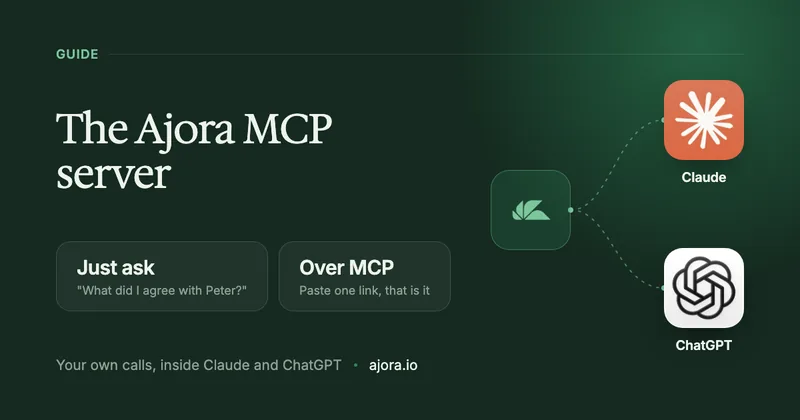
The Ajora MCP server: connect your phone calls to Claude and ChatGPT
You spend the day on the phone, and afterwards the outcome of those calls sits in Ajora. With the MCP connection you can simply ask about them from Claude or ChatGPT: "what did I agree with Peter yesterday?" You get an answer based on your own calls, without copying anything across. Here is how to switch it on and what the AI does and does not get to see.
Get every call into the tools you already use, with the Ajora API and webhooks
A call is only finished once it sits somewhere your colleagues can see it too. With webhooks, Ajora pushes every summary straight into your CRM, your Slack or your own system, and with the API you fetch whatever you need yourself. Nothing to retype. Here is what you can do with it, how much work it takes and how to switch it on.
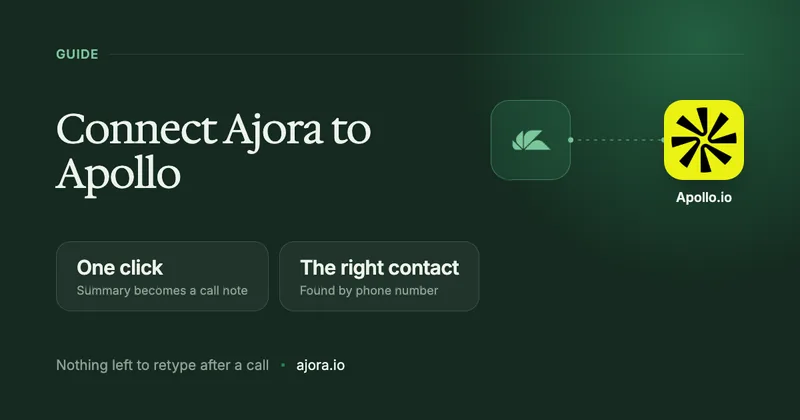
Connect Ajora to Apollo: your call note on the right contact in one click
Anyone who works in Apollo knows the chore after every call: retyping the summary into the contact’s call note. With the Ajora integration for Apollo you can skip that. After the call the summary is waiting, you click save, and it sits in Apollo on the right contact. Here is how to switch the integration on and what exactly it does.
Ajora vs TapeACall: which app actually captures your phone calls?
In this piece I explain how TapeACall works, what users have been writing about it in the app stores over the past two years, and where Ajora does it differently. Everything below about TapeACall comes from public sources you can check yourself.
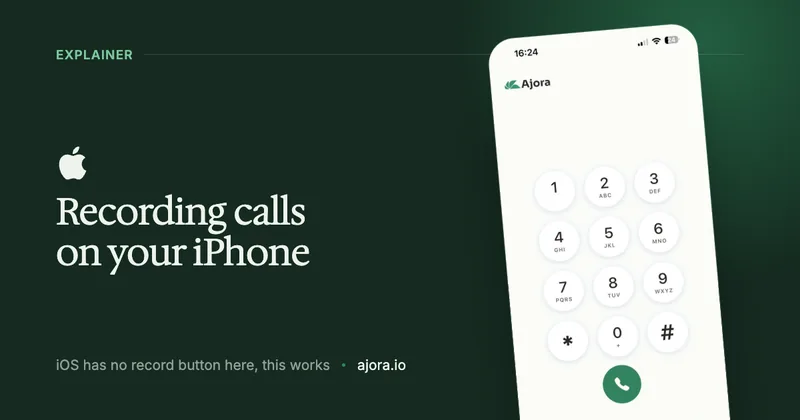
Automatically record a phone call on your iPhone
You cannot record a phone call with the iPhone Phone app in Europe: Apple does not offer call recording in the European Union, so in the Netherlands and the rest of the EU the button is missing. What you can do is have Ajora join your calls automatically, so that a written-out conversation with action items is waiting for you afterwards. Here is how to set that up.
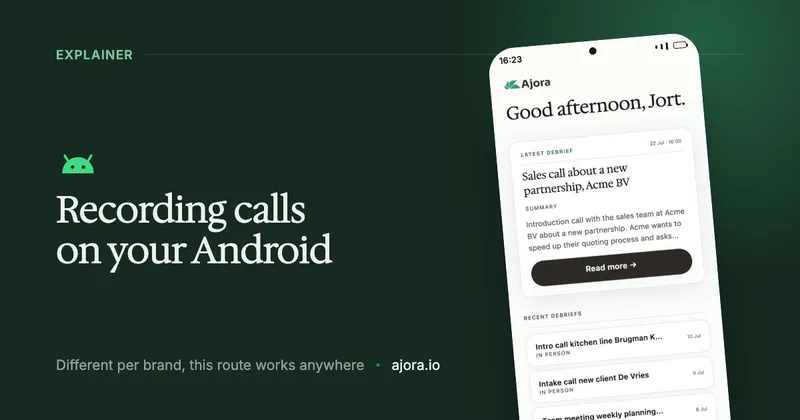
Automatically record a phone call on Android
Whether an Android phone can record a call depends on your brand, your model and your country, and nowhere does it happen automatically. What does work on every Android is having Ajora join the call: the moment you hang up, a written-out call with action items is waiting for you. Here is how to set that up.
Plaud vs Pocket vs Ajora: what actually captures your phone calls?
Plaud and Pocket are recording devices you carry with you, Ajora is an app that joins the line. In a room with people in it, those devices do their job. The moment you start making calls they run into three conditions, and that is where the difference begins. Below: which of the two to buy, what each costs over a year, and what each of the three does and does not capture, with the sources alongside.
Is it legal to record a phone call? How it works in the Netherlands
This was one of the first questions we got when we started Ajora. The short answer is yes, with a few ground rules. Below we explain how it works in plain language, and what changes the moment you do it for work.
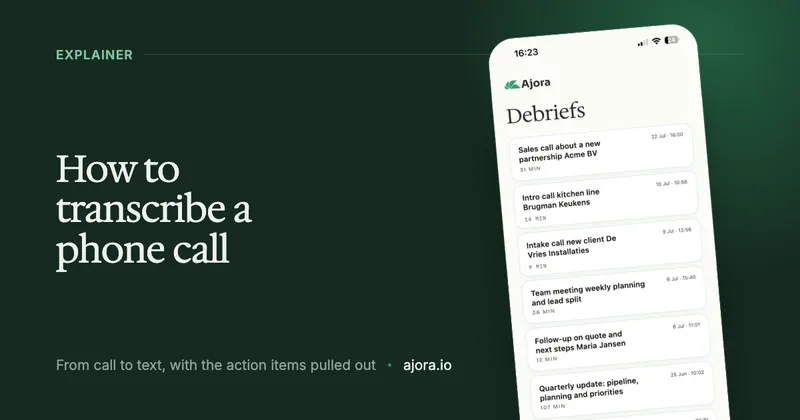
How to transcribe a phone call: turn a conversation into text
Transcribing a phone call means turning a spoken conversation into readable text, automatically. Useful when you do not want to miss anything, do not want to take notes while calling, or want to read a call back later. This guide covers what it is, the ways to do it, and how to do it automatically on iPhone and Android.
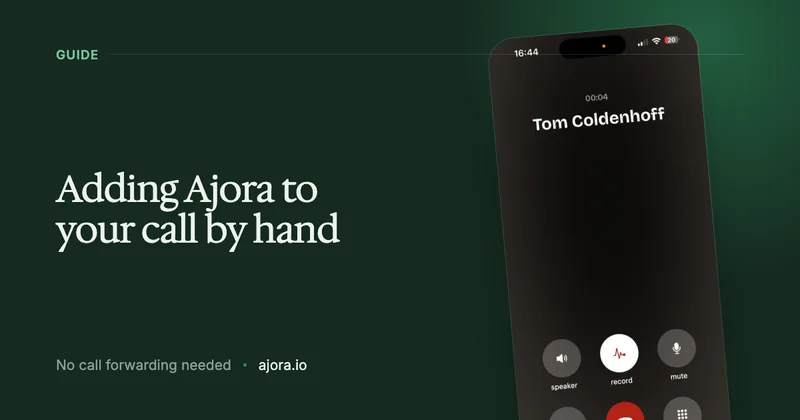
Adding Ajora to your call by hand, when the app is not an option
Ajora is a smart assistant that listens in on your phone calls and writes a clean summary afterwards. Normally you set this up in the Ajora app. If that is not an option, you can also add Ajora to a call by hand: you call it and merge the two. This is how that route works.
In the press
News article from Utrecht University about Ajora
Utrecht University wrote about us back when Ajora was still a platform for AI automations. The product has become something quite different since; the story of how we started still holds.

 26 January 2026
Three Friends, One Idea: Building an AI Startup as Students
Read the article on uu.nlReady to upgrade your phone calls?
Create your account and try free for 7 days
On iPhone you create your account and arrange your subscription inside the app. On Android you do that here on the site and then log in to the app with the same details.