Not every Android has a record button in the call screen, and where it exists the other party hears a spoken notice and all you get back is an audio file. With the Ajora app you switch on call forwarding once, after which Ajora joins automatically whenever you call or are called. What you get is a summary with action items rather than a recording.
Can an Android phone record a call by itself?
Sometimes. Whether there is a record button in your call screen depends on your brand, your model and your country, and where it exists the other party hears a spoken notice the moment recording starts. Nowhere does it happen automatically: you have to press it on every call.
Android has no recording feature that works the same way on every handset. Google’s Phone app does have call recording, but Google states itself that you have to be in a country or region where it is supported and that only certain devices and carriers can do it. For Pixel devices that means Pixel 6 and up with Android 14 or later.
And if it does work for you, it does not happen quietly. Before recording starts, everyone on the line hears a spoken notice that the call is being recorded. Manufacturers such as Samsung ship their own record button in their dialler, also varying by country, and there too both sides are told. The quickest way to find out where you stand: call someone and see whether a Record button appears in your call screen.
Even when the record button is there, what you get is an audio file. Whatever was agreed you still have to listen back to and type out, and on every call you have to remember to press the button. That is a different problem from whether recording is technically possible.
Why do call recording apps often fail on Android?
Since 11 May 2022, apps on Google Play may no longer use the Accessibility API to record call audio. Only Google’s own dialler and the one your manufacturer ships can still reach the call.
The developer policy puts it literally: the Accessibility API is not designed for, and cannot be requested for, remote call audio recording. That is why the recording apps you could still find in the Play Store a few years ago have disappeared, or now capture only your side of the call.
The apps and devices that still manage it work around the call audio. TapeACall dials its own recording line and has you merge it in; devices like Plaud and Pocket read the sound out of your phone’s housing. Both work, and both come with conditions of their own. They are written out in Ajora vs TapeACall and Plaud vs Pocket vs Ajora.
So how do you capture every call on Android?
By having someone join the call. Ajora joins as an extra participant: outgoing you dial from the app, and for incoming calls you switch on call forwarding. To your phone it is an ordinary conference call, so it works on any brand and any Android version.
Automatically, through call forwarding
You switch on call forwarding once, in the Ajora app. After that Ajora joins by itself and there is nothing to do during the call, not even on a call you were not expecting.
Or by hand, per call
If you would rather pick which calls get captured, you add Ajora during the call. On most handsets that is Add call followed by Merge; the buttons differ per brand.
You get more than a recording
A record button produces an audio file you still have to listen back to. With Ajora, a written-out call is waiting once you hang up, with a summary, the action items and the agreements made.
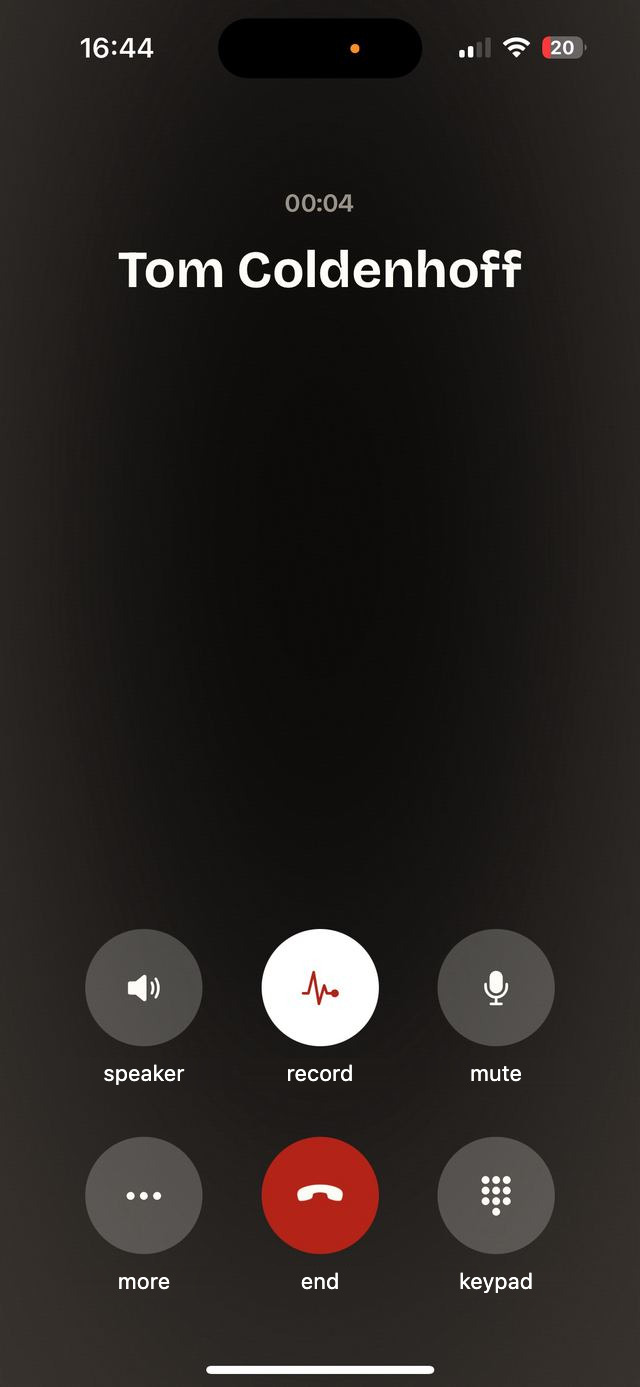
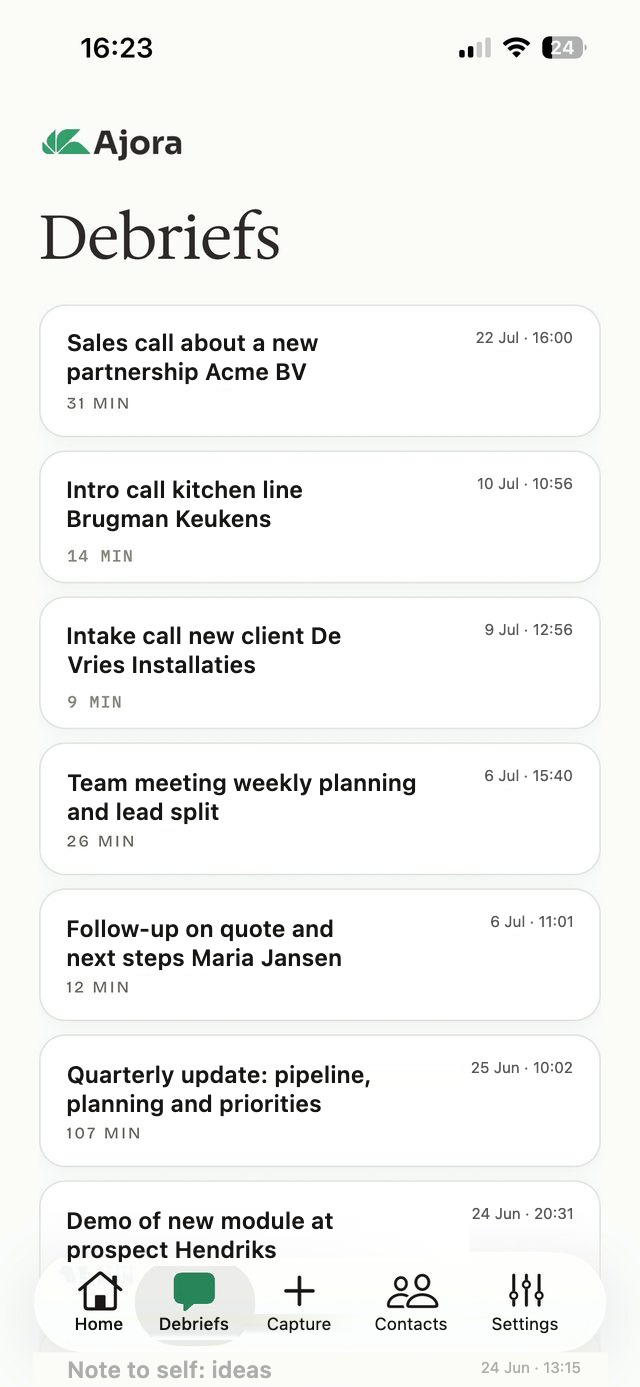
How do you set up automatic recording on Android?
In three steps: create an account, install the Ajora app from the Google Play Store and switch on call forwarding with Activate Ajora. After that there is nothing left to do while you are on the phone.
Create an account and install the app
Set up your account at debrief.ajora.io/register. Then download the Ajora app from the Google Play Store and sign in with the same details.
Switch on call forwarding
In the app you land on the Turn on call forwarding screen. Tap Activate Ajora and the forwarding is set up for you. If that button does nothing, do it yourself in the Phone app: three dots, Settings, then Call forwarding (sometimes under "Supplementary services" and then "Voice calls"), and there Always forward with your Ajora number in it.
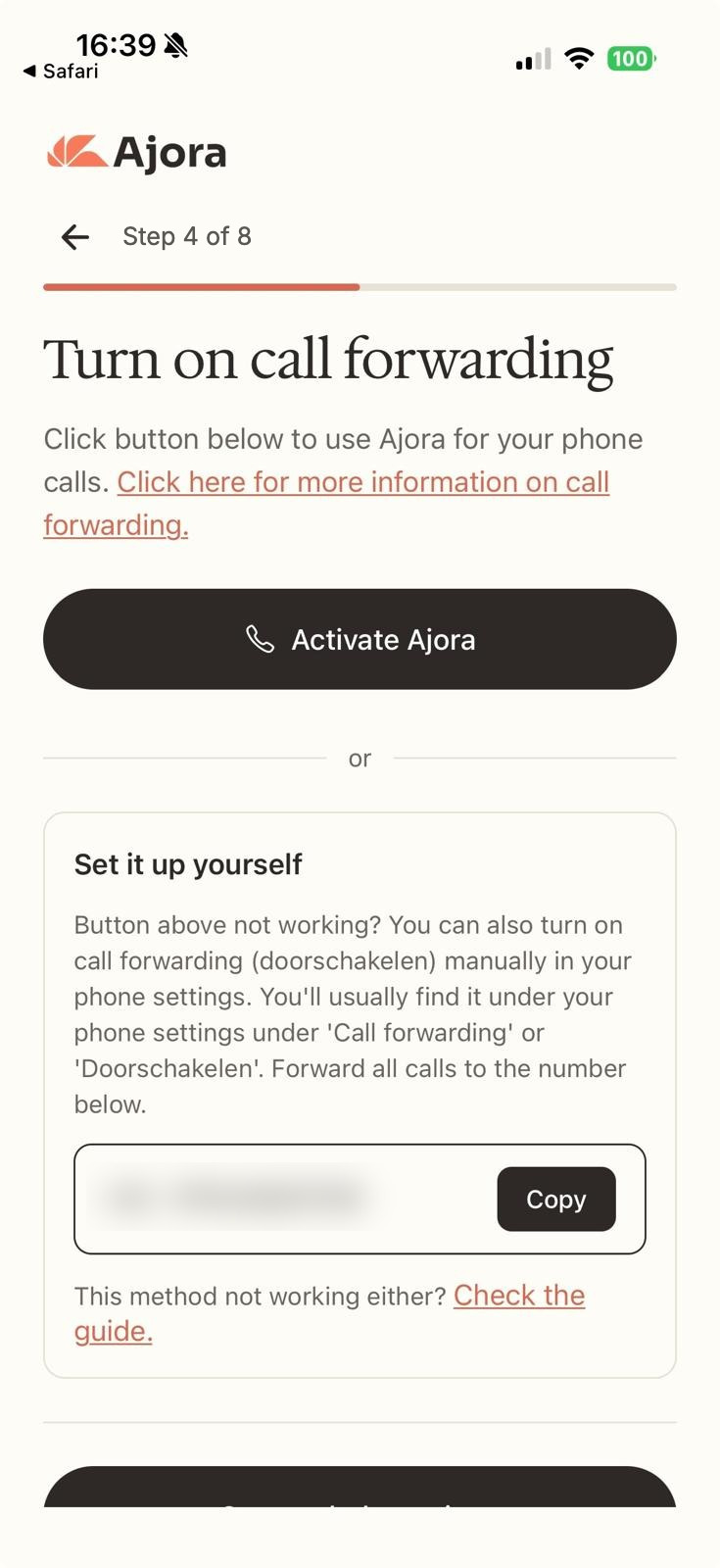
This screen looks the same on Android as it does on an iPhone. Call the way you always do
From now on Ajora joins automatically. You hang up as usual and the debrief arrives on its own, in the app and in your inbox. Setting up call forwarding covers the steps per brand in more detail, with screenshots.
Ajora joins over the internet, so you need wi-fi or mobile data during the call. Without a connection your call runs as normal, but you will not get a debrief of it.
Does this work with every brand and every carrier?
Call forwarding is a function of the mobile network rather than of your phone, so your brand does not matter: Samsung, Google, Xiaomi, OnePlus and Motorola all work. Your carrier does have to allow it.
KPN, Vodafone/Ziggo and Odido allow it, and so do most other plans. A few carriers, Budget Mobiel for example, do not support call forwarding. If you cannot switch it on, add Ajora to your calls by hand following the step-by-step guide.
Where the setting lives inside your phone does differ per brand. On a Samsung, forwarding sits somewhere other than on a Pixel, and some brands bury it under "Supplementary services". The button in the app exists precisely so you do not have to go looking.
Rather decide per call?
Then leave call forwarding off and add Ajora only to the calls you want captured. That costs you a few taps during the call, and it only works on calls you start yourself.
Save Ajora once as a contact, using the number from your account. During a call tap Add call, dial Ajora and then tap Merge. The full walkthrough with screenshots is in adding Ajora to your call by hand.
Are you allowed to record a call on Android?
In the Netherlands you may capture a call as long as you take part in it yourself; that follows from Article 139c of the Dutch Criminal Code. Use the write-up for business and the GDPR applies on top, which means telling the other party the call is being captured.
So the fact that it is technically possible says nothing about whether it is allowed, and that differs per country. With Ajora there is no beep and no announcement when the call is being captured, so telling the other party is on you. The long version is in is it legal to record a call.
Where does the conversation end up?
Your transcripts are stored encrypted on servers in Germany, with a key tied to your account, and they are never used to train AI models. The audio itself is not kept.
What exactly is processed and how long it is kept is set out in the privacy statement and the security overview. If you work with client data, you can sign the data processing agreement.
Frequently asked questions
Does Android have a built-in way to record phone calls?
Not one that works everywhere. Google’s Phone app can do it, but only in countries and regions where it is supported and on certain devices and carriers; for Pixel that means Pixel 6 and up with Android 14 or later. Manufacturers such as Samsung ship their own record button, again varying by country.
Why is there no record button in my call screen?
Because your country, your carrier or your handset falls outside the list the feature has been released for. It is not a setting you can turn on yourself, and another dialler from the Play Store will not fix it, because it is not allowed near the call audio.
Can an Android phone record every call automatically?
Not with the built-in button: you have to press that on every call. It only becomes automatic when someone joins the call. Switch on call forwarding in the Ajora app and incoming calls are covered too, with nothing to do while you are on the phone.
Does the other person hear that the call is being captured?
With the recording feature from Google or your manufacturer, yes: everyone on the line gets a spoken notice before recording starts. With Ajora there is no beep and no announcement, so saying it is up to you. For business use, Article 13 of the GDPR requires you to.
Does this work on a Samsung?
Yes, and on any other brand. Ajora attaches to the line rather than to your handset: forwarding is arranged with your carrier and the Ajora app is in the Google Play Store. Only the place where the forwarding setting sits in your menus differs per brand.
Do I need internet during the call?
Yes. Ajora joins over the internet, so you need wi-fi or mobile data at that moment. Without a connection you will not get a debrief of that call.
And on an iPhone?
It works the same way there, and there the built-in record button is not an option at all: Apple does not ship call recording in the European Union. See automatically record a phone call on iPhone.
Sources
- Use the Phone app to record calls, with the conditions per country, device and carrierGoogle, Phone app Help, accessed 06-09-2026
- Permissions and APIs that access sensitive information: the Accessibility API cannot be used for call audio recordingGoogle Play Console Help, accessed 06-09-2026
- Recording a phone call on Android phones (in Dutch)Samsung Netherlands, accessed 06-09-2026
- Article 139c of the Dutch Criminal Code: intercepting or recording telecommunicationswetten.overheid.nl